
Using an HTML Editor
Advantages of HTML Editors
Conventional HTML editors can make the process of building websites very easy.
Most of the good ones offer features that allow you to click a button to add a line of code to the page.
They also offer built in page previewing options.
These 2 features alone will save you hours and simplify the process of building your website.
Many good conventional editors now offer predesigned templates for starting new pages.
Some include spelling and HTML code checking features.
Since most HTML editors operate the same, we'll demonstrate a few of the features of the popular NoteTab Light, which you'll find in our Free Website Builders Section.
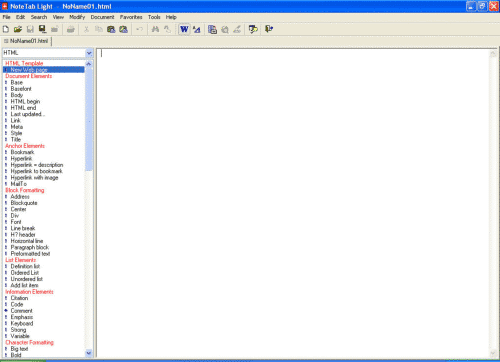
The screenshot below shows a typical set up of the NoteTab Light editor.
The left column contains a list of common HTML code selections which were displayed by clicking HTML in the drop down box at the top of the column.
Enlarged:
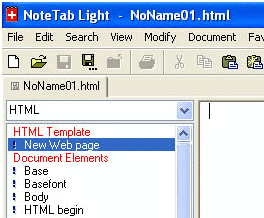
The tab in the upper left corner which reads NoName01.html tells us that there is an active page in the editor window ready for coding.
To add the code for a basic HTML page double click New Web Page under HTML Template in the code column.